Media Archive
Your creative assets, organized and ready to reuse.
See it in action
Everything you create (cover art, logos, bios, press materials) is saved here automatically. Browse your archive, preview in fullscreen, and reuse assets across releases.
Image Gallery
All your AI-generated images in one place: cover art, logos, promotional graphics, and more.

Luna Vega
Social Promo Graphic
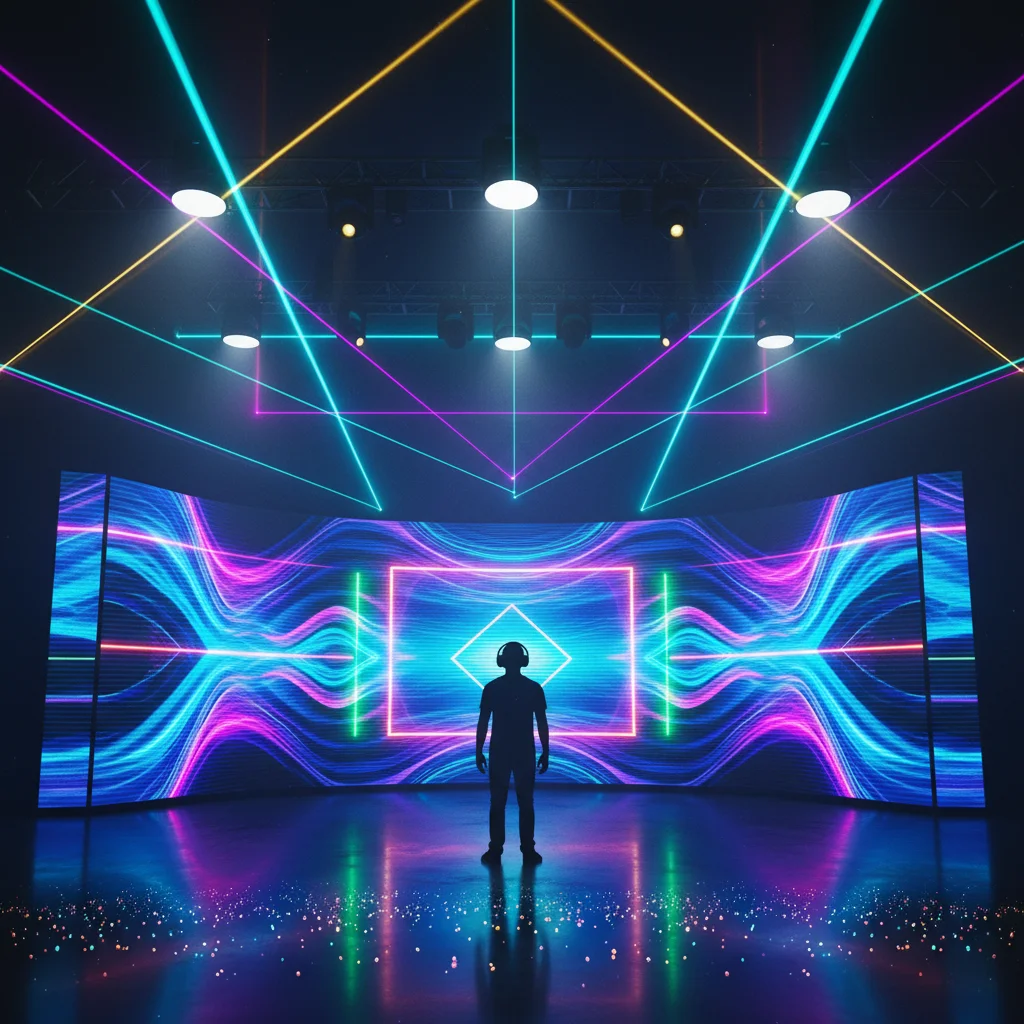
Luna Vega
Artist Visual
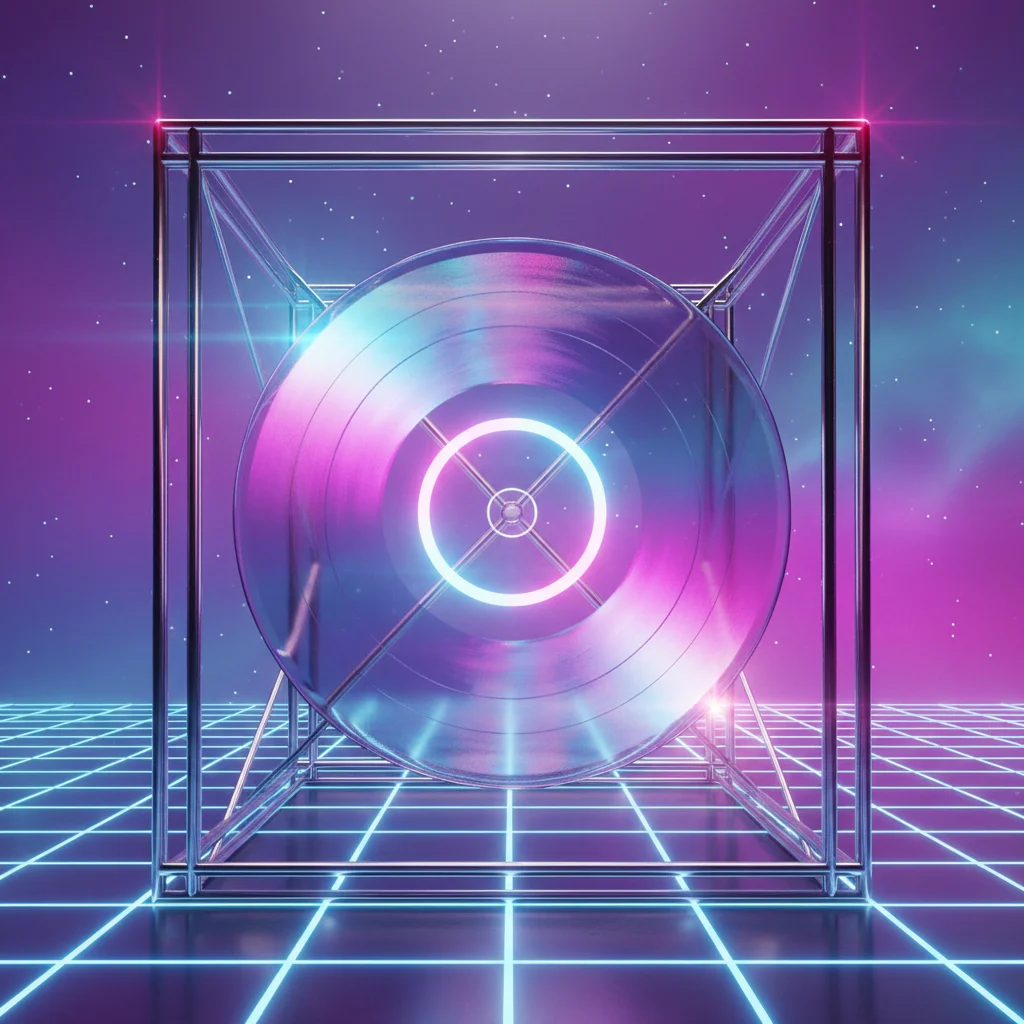
Neon Horizons
Release Announcement
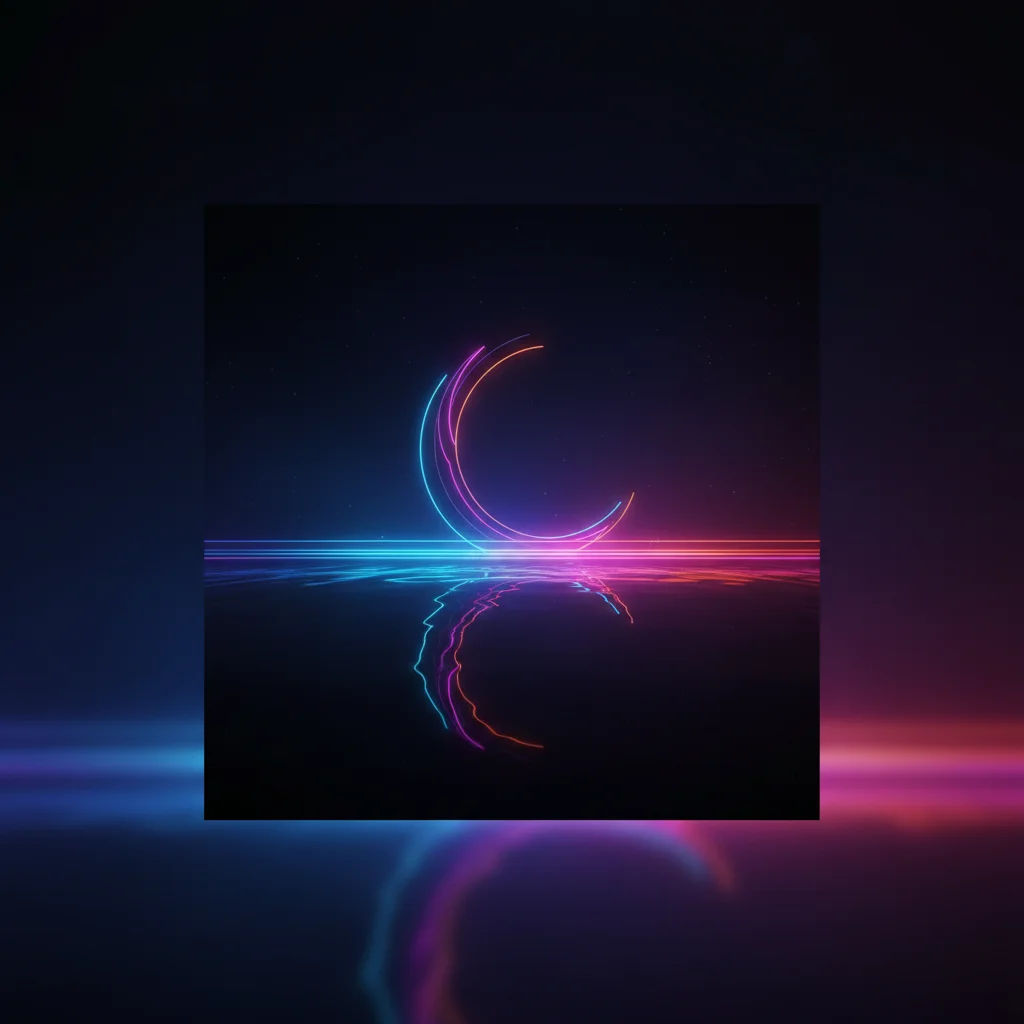
Neon Horizons
Neon Horizons Cover Art
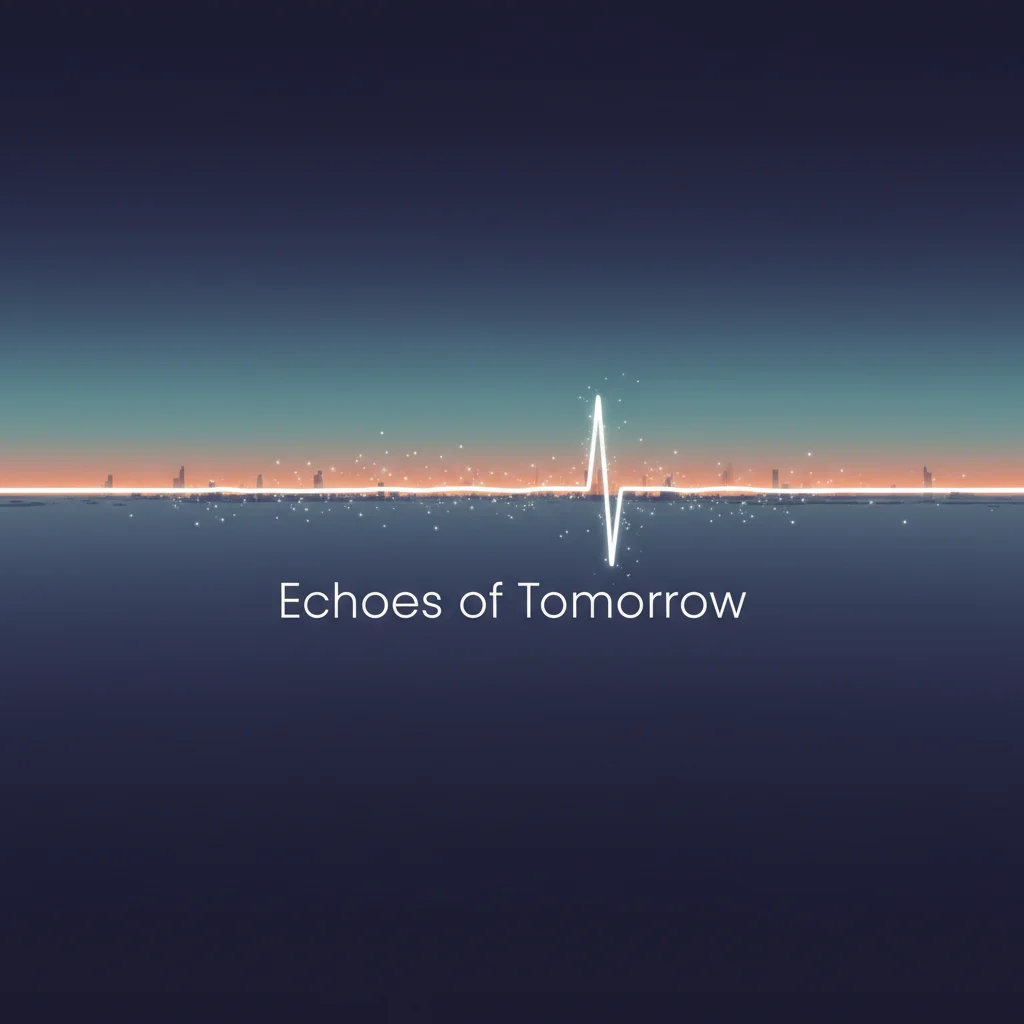
Echoes of Tomorrow
Echoes of Tomorrow Album Cover

Luna Vega
Luna Vega Logo
Text Archive
AI-generated bios, press releases, and promotional copy, stored and ready to use.
Artist Bio (Short)
Mar 1, 2026, 00:00
Artist Bio (Medium)
Mar 1, 2026, 00:00
Press Bio
Mar 5, 2026, 00:00
Everything you create (cover art, logos, bios, press materials) is saved here automatically. Browse, download, or reuse anything across your releases.
Never dig through downloads folders or recreate something you already made. Every visual and piece of copy you create on Audora is automatically saved and organized, tagged with the release it belongs to, when it was created, and ready to download in full resolution.
Browse images in a gallery grid, view texts with copy-to-clipboard, and download any asset. When you're working on a new release, your entire library is right there. Pick existing visuals or create fresh ones.
What's included
Never Lose Your Work
Everything you create is saved and organized. No more digging through folders or recreating cover art you know you made three months ago.
Reuse Across Releases
When you're working on a new release, your entire library is right there. Pick existing visuals or create fresh ones. Your archive gets more useful with every release.